
Full WHM interface
Root and reseller WHM screens follow the WebPark look: navigation, lists, forms, and status views stay familiar, with a cleaner layout.
WHM · cPanel · White-label theme
WebPark is the public home of CPTheme — a full replacement look for WHM and cPanel. Master Resellers, Resellers, and hosting operators use it to present a modern control panel under their own name, colors, and logo.
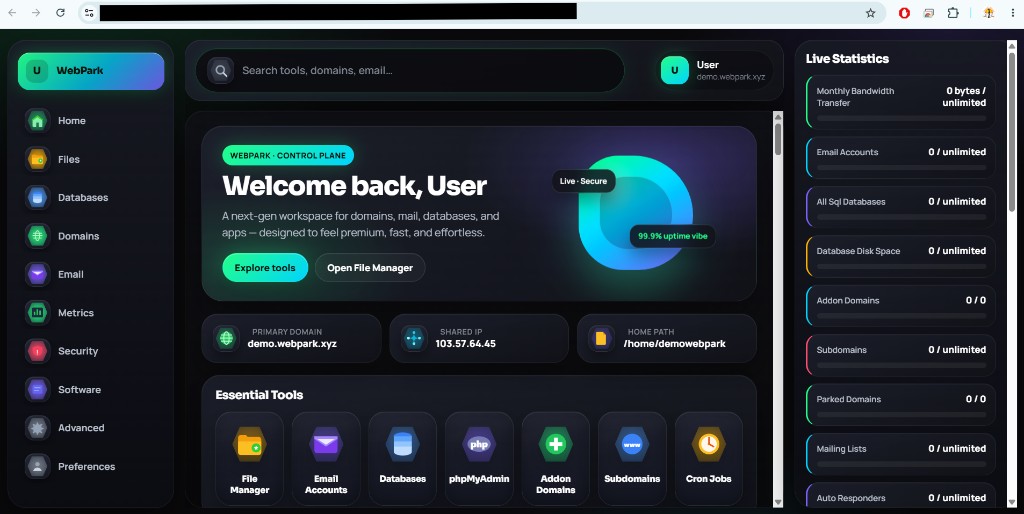
CPTheme is not a wallpaper pack or a login-page skin. It is a complete WHM and cPanel user-interface theme. After install, administrators and end users work inside a refreshed panel that still uses the same cPanel accounts, packages, and workflows they already know.
Root and reseller WHM screens follow the WebPark look: navigation, lists, forms, and status views stay familiar, with a cleaner layout.
Hosting customers get the same theme in cPanel — file manager, email, domains, and apps — so your brand is consistent from server to site owner.
Brand name, logo, and colors are applied from your white-label profile. Re-run branding when you change artwork — no full reinstall required.
Live demo · demo.webpark.xyz
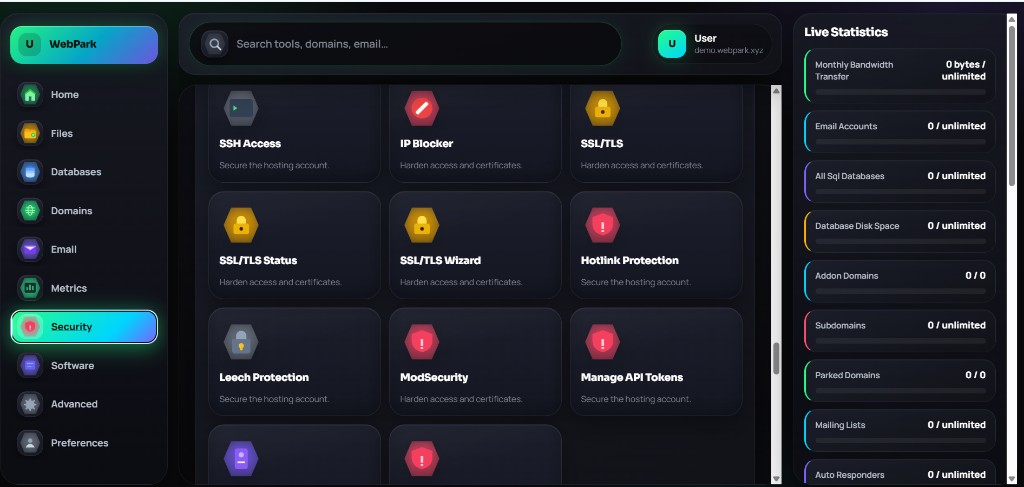
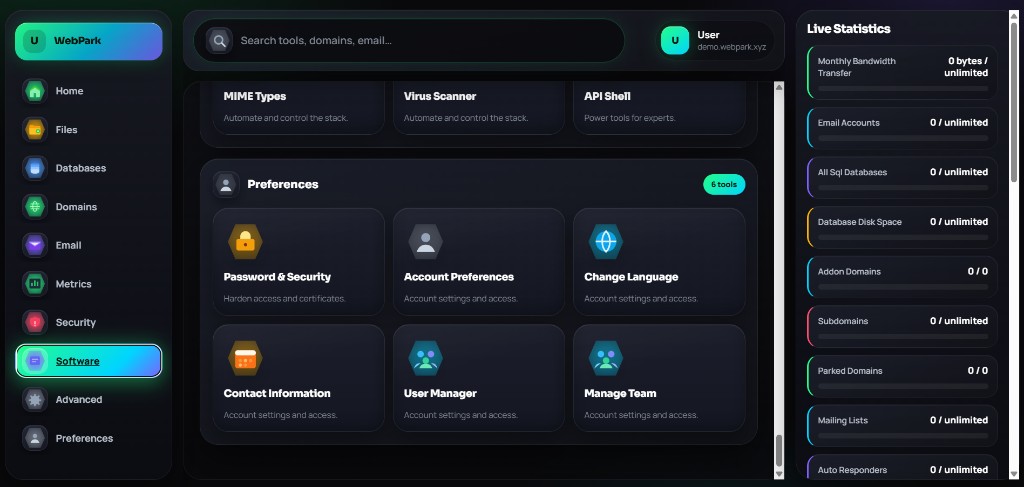
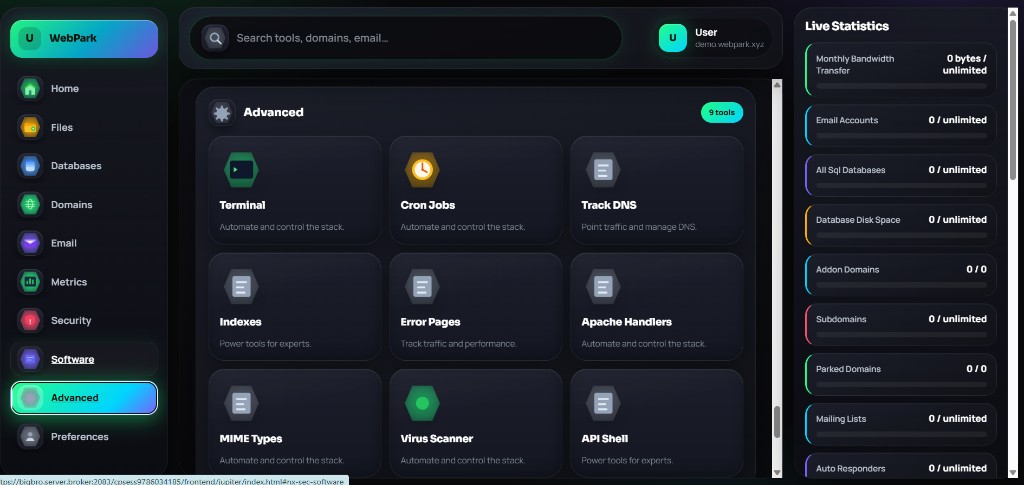
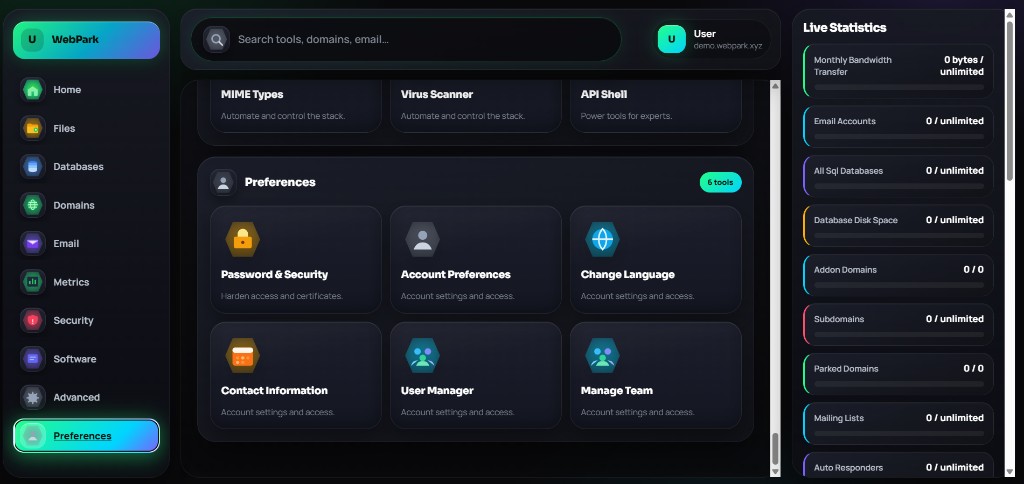
These shots are from a real cPanel server running WebPark — branded login, dark control plane, file manager, domains, security, software, and preferences. Click any image to open it full size.
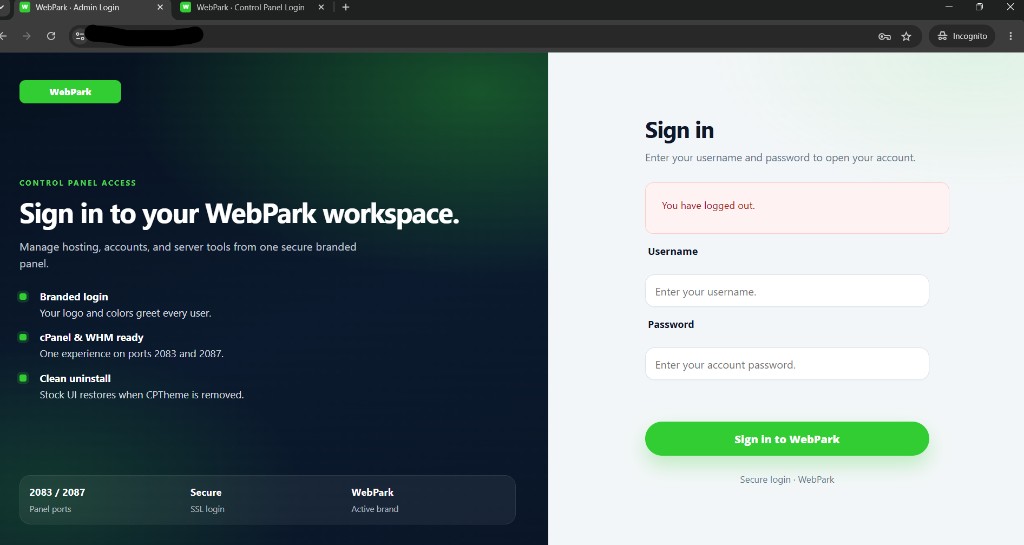
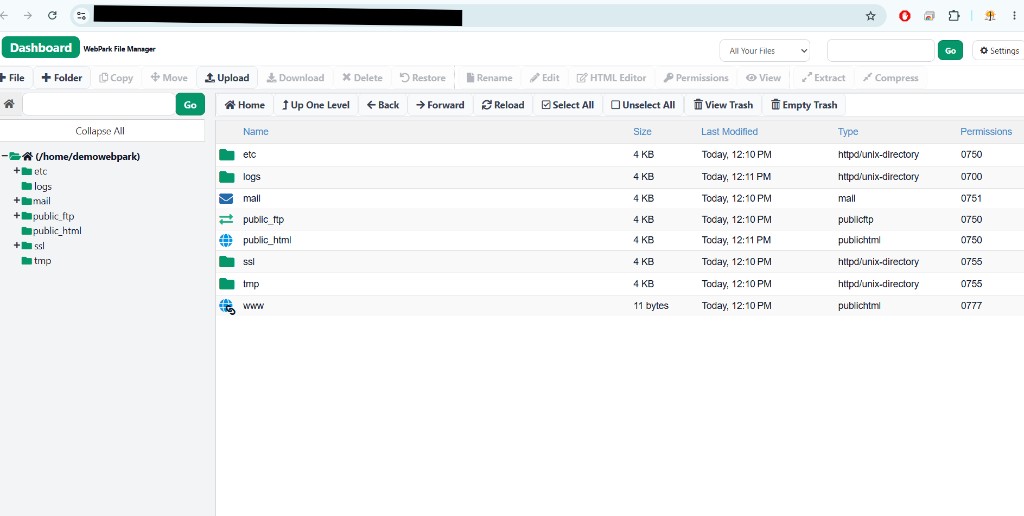
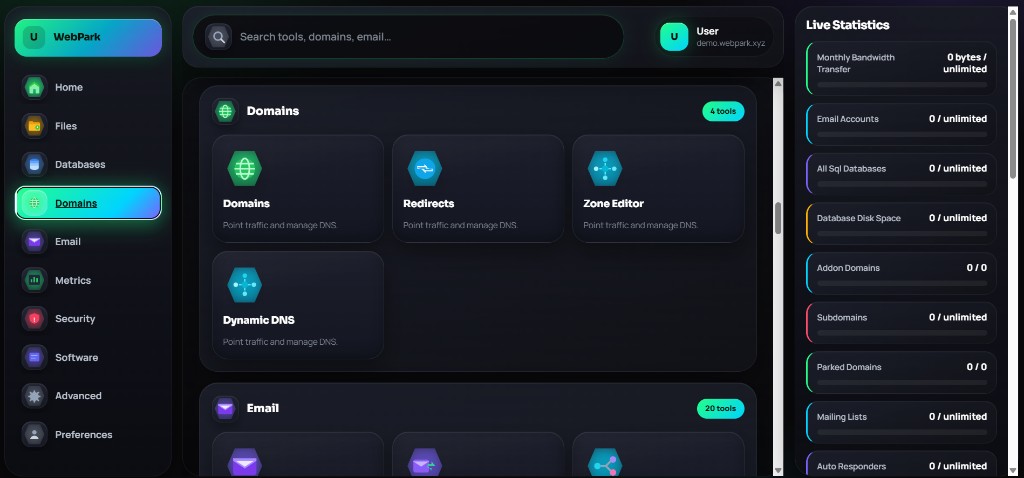
Stock cPanel is capable. It is also generic. CPTheme is for providers who sell a product, not a default skin.
For Master Resellers
If you run a wholesale hosting desk — your own Resellers, your own levels, your own storefront — CPTheme is a catalog product you can own end to end. You buy at platform wholesale. You set Reseller levels and sell-through prices. Your Resellers deliver the install to their customers.
Create and manage Resellers, assign pricing levels, and keep CPTheme in the same wallet flow as your other licensed products. You decide who can sell it and at what rate.
Point your domain, logo, and colors at the portal your Resellers already use. When a customer installs CPTheme, the panel can carry that same identity — WebPark as the theme name, your brand as the operator.
After a license is issued, the operator installs with a branded CLI. You do not hand out a mystery zip. Install, update, uninstall, and brand are first-class actions.
Your Resellers support their customers. You support your Resellers. The theme is a product line, not a one-off custom job on every server.
For Resellers
You sell hosting. Your customers live in cPanel every day. CPTheme is the upgrade you can add to a package, a VPS, or a dedicated server without changing how you provision accounts.
Pitch it as a modern WHM and cPanel look with your company on it. No need to walk customers through CSS files or third-party theme markets.
Issue the license, share the install command, and they are live. Updates use the same command with update.
Your Master sets your level. You set customer pricing. The theme stays in your catalog, under WebPark, with your margins.
Four actions. Same product. Run them as root on the licensed cPanel server after the CLI is in place.
WebPark cptheme installWebPark cptheme updateWebPark cptheme uninstallWebPark cptheme brandA Master or Reseller issues a CPTheme license bound to the server. The operator receives the branded command, not a public download link.
The install command pulls the current CPTheme package, verifies it, and applies the WHM/cPanel UI. Branding from the reseller profile is written at the same time.
When WebPark publishes a new package, operators run update. To change logo or colors later, run brand. To leave, run uninstall.
The product customers ask for is CPTheme. The brand they see is WebPark. That is the name on this site, on the icon, and on the theme identity you present to the market. Your company can still appear as the seller — WebPark is the theme line.
Theme name, logo, and primary/secondary colors flow from the reseller white-label profile into the installed panel. Operators do not edit theme files by hand to match a brand book.
The engine, package, and CLI product slug remain CPTheme so install docs stay short: one product, four commands. Marketing and the public site speak WebPark.
You already sell cPanel. CPTheme is the visual layer that makes your panel look like a product you designed, not a default install.
You want a theme SKU in wholesale, with Resellers underneath you, levels, and a storefront that does not name another vendor.
You want something concrete to add to shared, reseller, VPS, and dedicated quotes — a licensed theme with a one-line install.
It is a full WHM and cPanel UI theme. It changes how the panel looks and is organized. It does not replace cPanel itself, licenses, or account data.
Yes. Each licensed server installs its own copy. That keeps the product aligned with how hosting licenses are sold.
Yes. Branding follows the selling reseller’s white-label profile. The public product name remains WebPark / CPTheme.
Update your logo and colors in the reseller profile, then run WebPark cptheme brand on the server. You do not need to uninstall.
Install applies the theme to the panel UI. Existing accounts, domains, and packages stay in place. Uninstall is available if you need to roll back the look.
Sign in at manage.webpark.xyz, open a Master account, add CPTheme to your catalog and levels, then invite Resellers. They sell and deliver; you keep wholesale.
Master Resellers and Resellers: sign in at the WebPark panel, bring CPTheme into your catalog, and greet every WHM login with your brand.